 Decafly
A pause can
change your mind.
Set how often you open an app and how long you stay. A short wait gives you a moment to reconsider.
A LITTLE SPACE GOES A LONG WAY
You opened your phone for a reason.
Decafly helps you remember it.
Thoughtful app limits. A pause before opening.
And a cleaner way to stay connected.
Coming soon for iPhone & Android
 A QUIETER KIND OF SCREEN TIME
Less autopilot
More intentional time
Keep the connection
Private by design
YOU DON’T HAVE TO QUIT YOUR PHONE
A quick check can turn into an hour. Decafly gives you a little space to choose what happens next.
Catch up on messages. Check a profile. Watch the video you came for. Leave the endless feed behind.
On iPhone, Clean opens the web versions of Instagram and YouTube inside Decafly, with selected distractions hidden. Your messages and long videos still have a place.
How is Clean different?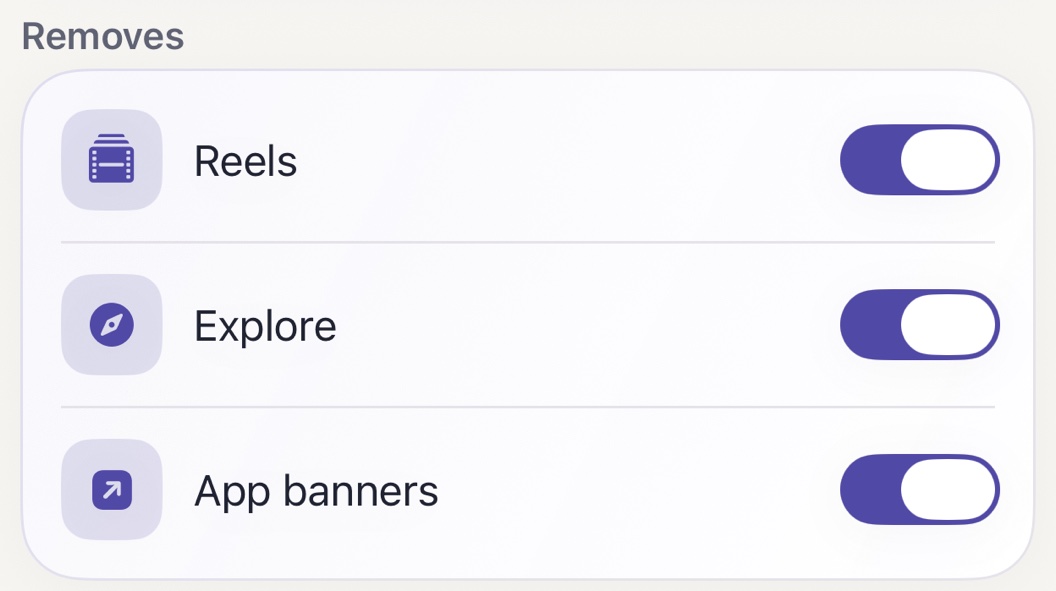
 Less noise. Same connections.
A LITTLE STRUCTURE. A LOT MORE SPACE.
Decide what feels right for you.
Let Decafly help you stick to it.
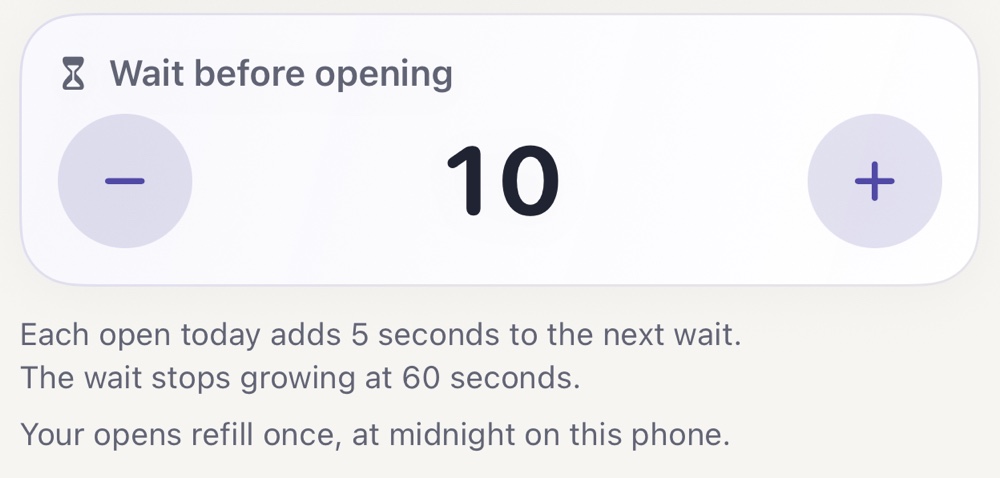
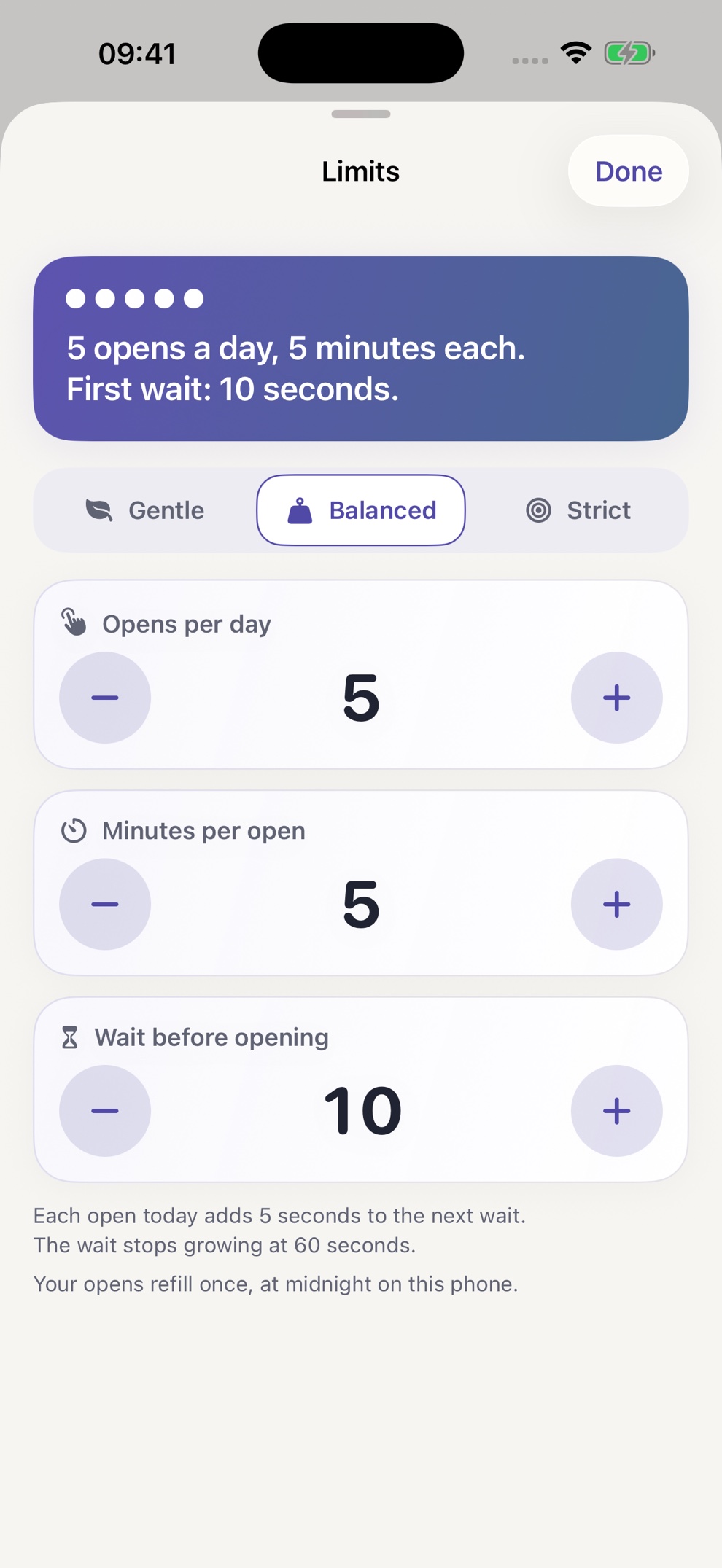
Set how often you open an app and how long you stay. A short wait gives you a moment to reconsider.
Keep selected apps blocked during work, slow mornings, or the hours before bed.
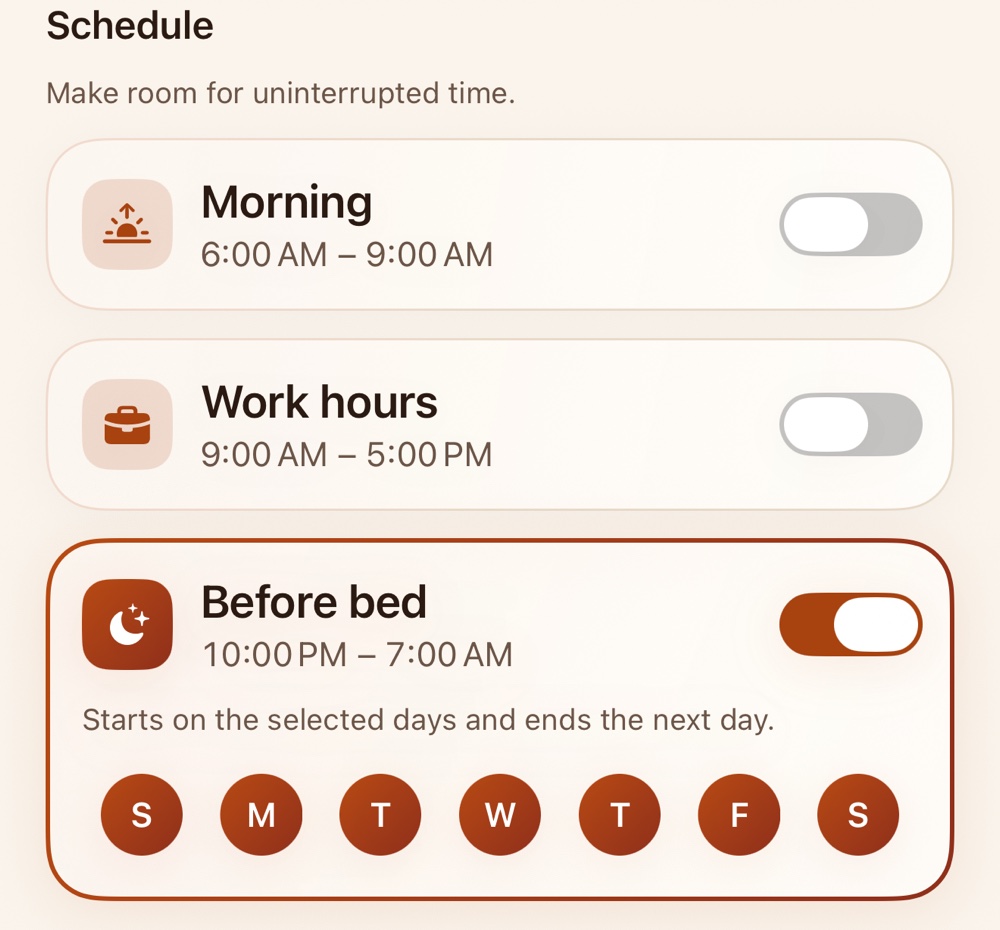
An optional PIN protects changes that would weaken your blocking.
SMALL SETUP. EVERYDAY DIFFERENCE.
Set up your boundaries on iPhone.
Come back when you want to change them.
Pick the apps you want a little distance from, using your iPhone’s Screen Time picker.
Choose your daily opens, time per open, and a wait. Add a schedule for the hours you want back.
Meet a block screen instead of another feed. Close it, or wait and use an available open.
PERSONAL SPACE, RESPECTED
A calmer phone shouldn’t come at the cost of your privacy. Decafly has no account and no ads, and nothing on your screen leaves your phone.
Read our privacy policiesYour boundaries don’t need another username and password.
Settings and recorded activity are stored on your phone.
Feedback and support reports leave your phone only when you choose to send them.
A FEW THINGS YOU MIGHT BE WONDERING
Something else on your mind?
We’re here to help ↗
On iPhone, Decafly blocks the original app and offers a clean web version inside Decafly. It cannot change the Instagram app itself. Clean can hide Reels and Explore while keeping messages, stories, profiles, and search.
On Android, Decafly uses an Accessibility service you enable. It can block the app itself, and it can close or time-limit the Reels, Explore and Shorts screens inside the original apps while the rest of them keeps working.
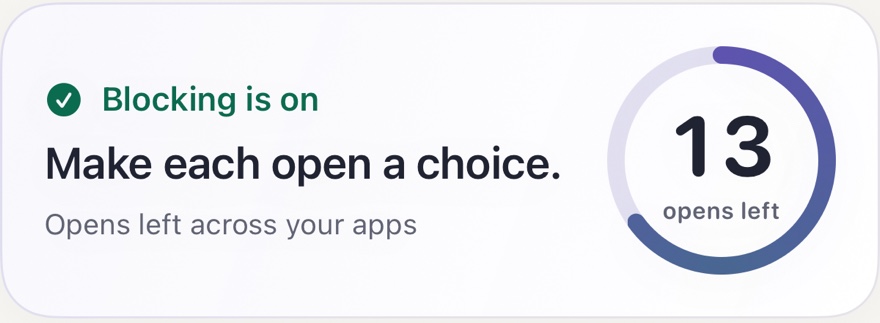
In Limited mode on iPhone, you can wait and use one of your available daily opens. A scheduled block or Blocked mode keeps your selected apps blocked. You choose the limits and schedules.
iPhone combines app blocking through Screen Time with daily open limits, schedules, a PIN lock, and clean web versions inside Decafly.
Android does the same two things through its Accessibility service: it blocks any app you choose behind a block screen with a countdown, daily opens, schedules and a PIN, and it blocks or time-limits YouTube Shorts, Instagram Reels and Instagram Explore inside the original apps instead of opening a web version.
Decafly does not read your messages or what you type. On iPhone, Screen Time does not give Decafly access to other apps’ screens. In Clean, you sign in directly with the platform. The platform-specific privacy policies explain the details.
Decafly is coming to the App Store and Google Play. You can email us for a launch notification. There’s no account or mailing-list signup.
YOUR NEXT OPEN CAN BE DIFFERENT
Decafly is coming soon. Be here for a calmer start.
Let me know at launch Opens an email. No signup required.